

AI tools can feel like magic. Type a question and an answer appears. For studying, that’s exciting—and also risky. This guide shows a kind, simple way to use AI (Gemini, ChatGPT, and similar tools) as a study buddy that helps you think, not a shortcut that does the thinking for you. We’ll keep it cozy, judgment-free, and very practical.
What “ethical use” means here
- Learn first. Use AI to explain, quiz, outline, and give feedback—not to submit AI-written homework as your own.
- Give credit when required. If your school or instructor asks for citations or disclosures when AI helped, include them.
- Protect people and data. Don’t paste private info (yours or someone else’s) into prompts. Remove names, IDs, and sensitive details.
“Use AI to make your thinking visible—not to replace it.”
Quick guardrails you can trust
- Assignment rules win. If your teacher says “no AI,” don’t use it for that task. When in doubt, ask.
- Draft → check → make it yours. Treat AI output like a rough draft or hint, then verify facts, add your voice, and cite sources.
- Show your work. Keep your notes, attempts, and revisions. That trail proves the learning is yours.
- Privacy basics. Avoid pasting PDFs with personal data. Summarize key parts instead of uploading files directly.
Beginner-friendly prompt recipes (that actually build skill)
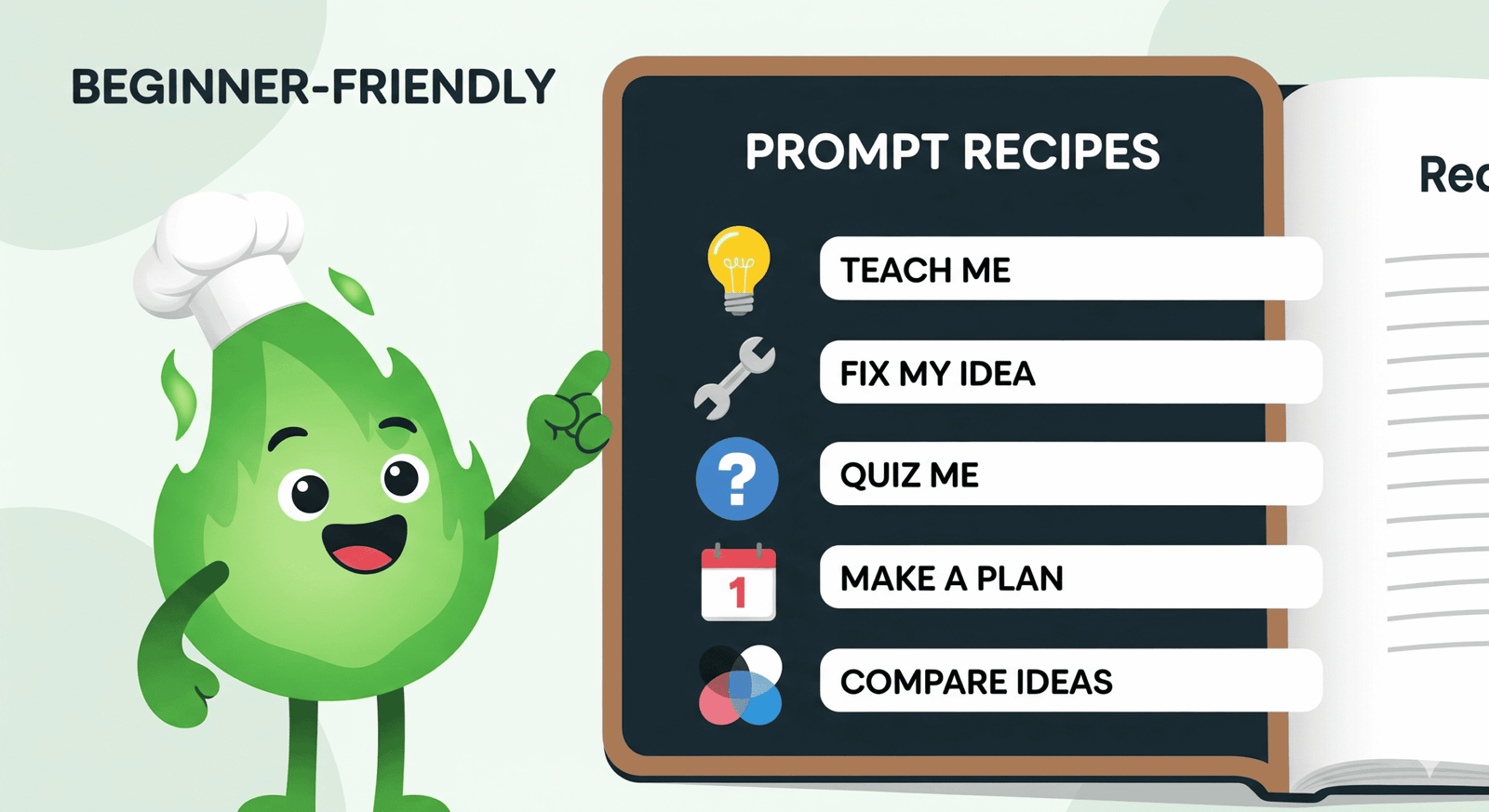
Copy, paste, and tweak these. They work in Gemini, ChatGPT, and most AI chat tools.
1) Teach-me-like-I’m-new
“Explain [topic] in plain words for a new learner. Use a short example. Then give me 5 practice questions from easy to hard. Wait for my answers before revealing solutions.”
2) Fix-my-idea (without doing it for me)
“Here’s my attempt at explaining [concept]. Point out what’s unclear or wrong, and suggest one way to make it clearer. Do not write it for me.”
3) Active-recall coach
“Quiz me on [chapter or topic]. Ask one question at a time. If I’m close, nudge me with a tiny hint—not the answer.”
4) Study-plan maker (gentle)
“I have 5 days until a quiz on [topics]. I can study 45 minutes per day. Make a simple plan with what to review each day and 1 practice task. Keep it realistic.”
5) Compare & contrast
“Help me compare [idea A] vs [idea B]. Give me a 3-row table: definition, key differences, and a quick example for each.”
Keep the learning yours (originality & citation)
- Write your own first pass. Jot a messy outline before you ask AI. You’ll learn faster, and the AI help will be sharper.
- Always edit. Rewrite in your voice. Add your examples, your reasoning, and your sources.
- When to cite AI. If AI shaped the wording, structure, or ideas in a visible way—and your instructor allows AI assistance—add a short note (e.g., “I used an AI tool to generate practice questions; I revised and verified the final responses”). Follow your class policy.
A tiny daily loop that uses AI well
Repeat this on most study days—it’s simple and it works.
- Clarify (2–3 min). Ask AI to restate today’s topic and list 3 must-know ideas.
- Work (20–45 min). Read, solve problems, or outline—offline if you can.
- Recall (5 min). Ask AI to quiz you, one question at a time.
- Close the loop (3 min). Log mistakes and set a tiny review for tomorrow.
Good vs. risky prompts
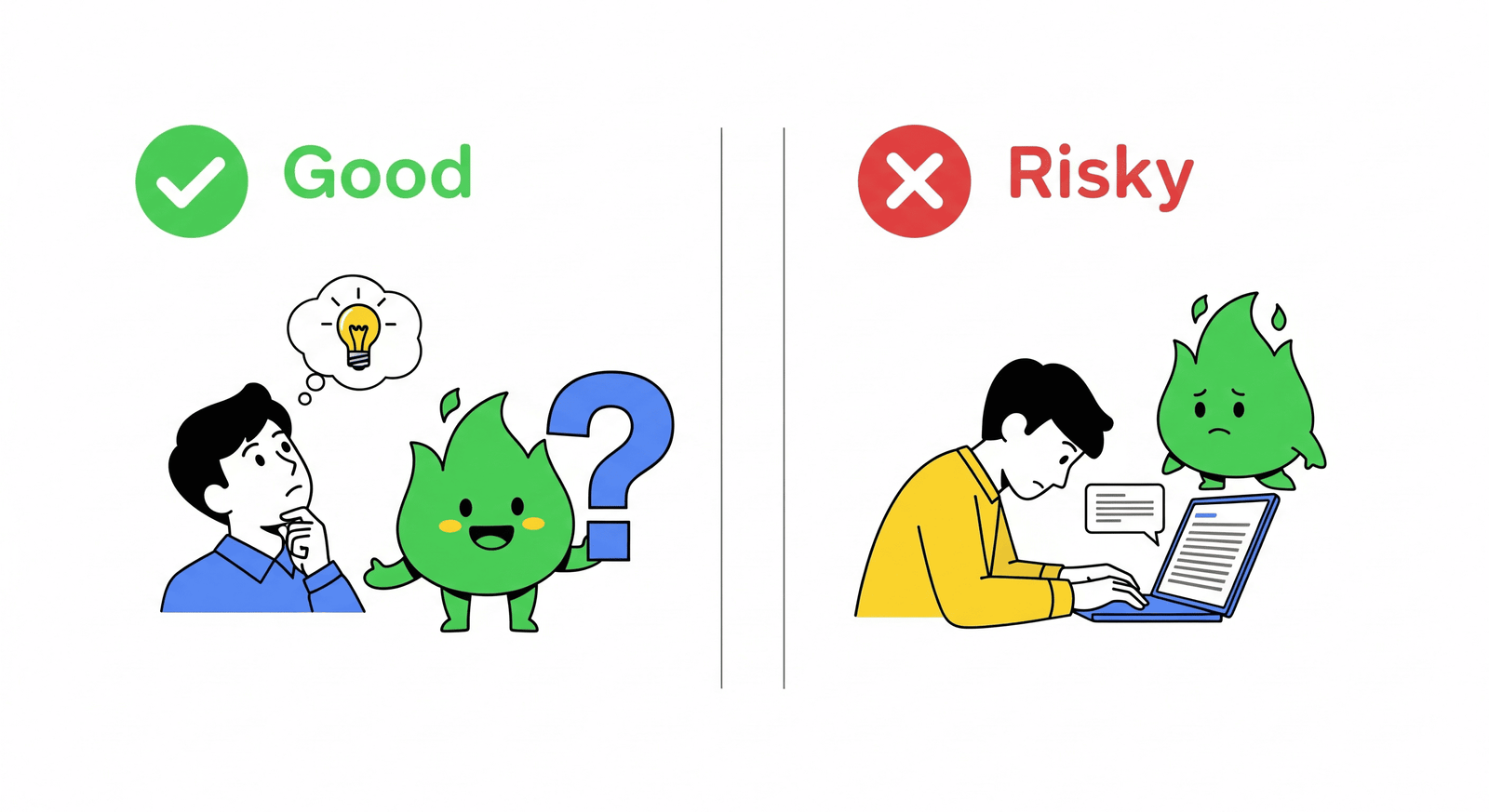
- Good: “Here’s my paragraph. Highlight unclear parts and ask me two questions that would make it stronger.”
- Risky: “Rewrite this to sound professional so I can submit it.” (That crosses into substitution.)
- Good: “Create five practice problems on [topic], then wait for my attempt and give step-by-step hints.”
- Risky: “Solve these questions and give me the final answers to turn in.”
Privacy & safety mini-checklist
- Remove names, emails, IDs, or clinic/school details before pasting text.
- Summarize a passage instead of uploading the whole document.
- Don’t paste exam questions that are not yours to share.
Best tools for your AI study flow (gentle picks)
- Gemini or ChatGPT for explaining, quizzing, and getting example structures.
- Todoist to schedule short blocks and capture “deal-with-later” thoughts. Try recurring tasks like Start focus block (45m) and Review mistakes (10m).
- Your notes app (Notion/OneNote/Apple Notes) to keep a running “AI Q&A” page where you store useful explanations you’ve verified.



Related Reading
- Study Smarter: 10 Evidence-Based Principles for Focus & Comprehension — a friendly foundation to pair with AI help.
- Single-Tasking for Exam Wins — keep attention steady while you use AI as a coach.
- The Brain Science of Task-Switching — why short focus blocks beat constant tab-hopping.
- Pomodoro + Time Blocking — a schedule that pairs perfectly with AI quizzes.
This article may include affiliate links. We only recommend tools we actually use.


