
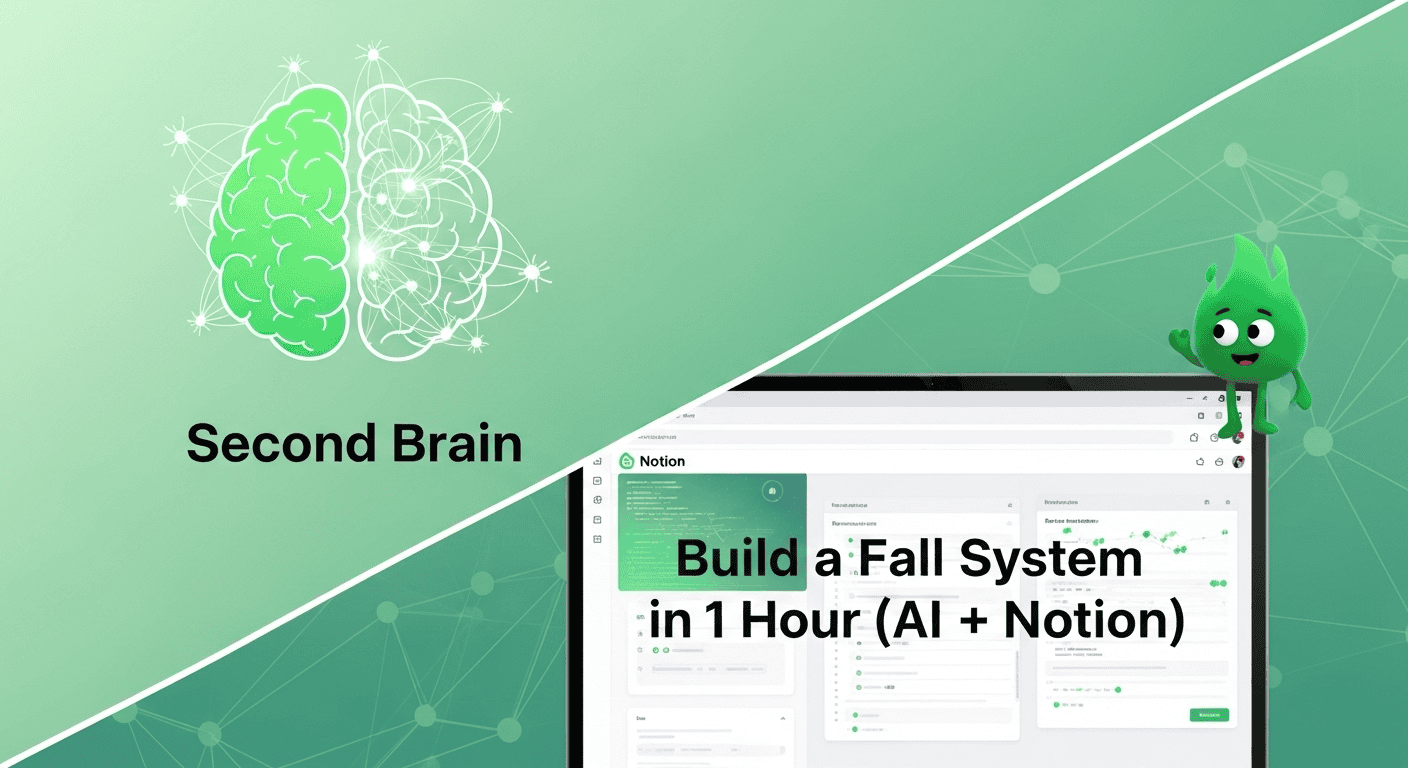
Feeling a little scattered as fall ramps up—new classes, fresh projects, ideas everywhere? You don’t need a giant overhaul. In about an hour, you can spin up a simple “second brain” in Notion that catches everything, sorts what matters, and helps you act—backed by a few tiny AI prompts. There’s also a 60-second setup reel so you’re not starting from scratch.
Why this matters / works
When information lives in too many places, your brain burns energy just remembering where things are. A lightweight second brain centralizes capture, so your mind can do thinking—not storing. Layering gentle sorting and tiny “next actions” keeps the system useful today, not just “someday.”
AI trims busywork: it can summarize long articles into three bullets, extract tasks from a messy class note, and turn a fuzzy idea into one clear next step with a verb and a small deadline. This combo—capture → sort → act—protects your attention and makes momentum feel easy. You’re not aiming for a museum of notes; you’re building a working tool that helps you move one step at a time.
Most importantly, this is intentionally small. A one-hour build lowers friction so you’ll actually use it. The system grows at the speed of your trust—start with the basics, then add only what solves a real annoyance.
How it sneaks in / pitfalls
- Too many inboxes. Notes app, email stars, DMs, screenshots, paper—stuff hides and duplicates.
- Over-tagging. Complex labels feel clever but add decision fatigue when you’re in a hurry.
- Project hoarding. “Someday” piles make today feel heavy. You end up sorting more than shipping.
- No review rhythm. Without a weekly sweep, even good systems decay into stale lists.
- Output delay. Collecting feels productive; creating gets postponed because next steps are unclear.
- Tool-hopping. Every app switch leaks attention. One capture door beats five half-doors.
Step-by-step routine
- Create four pages in Notion—Inbox, Projects, Areas, Resources—plus a simple Today view. Think of these like Pipes that move items forward, not buckets that collect dust.
- Pin a single capture entry point: add the Notion quick-capture widget to your phone and browser. Everything flows into Inbox. Make it muscle-memory: one tap, one field, done.
- Dump what’s in your head for 5 minutes: tasks, links, quotes, class notes, random ideas—don’t organize yet. Let Inbox be messy so your mind can relax.
- Sort the top 10 items: for each, choose Keep (file to Project/Area/Resource), Do (add one next action), or Delete. Limit tags—if you must, use only one or two broad ones.
- Assign a “next action” to 3–5 items max. If it takes <2 minutes, do it now; otherwise, it appears in the Today view. Your brain learns that capture leads to closure.
- Ask AI to speed clarity. Example prompt: “Scan these notes and list 3 next actions with verbs and tiny deadlines.” Paste your note; pick one best step to schedule.
- Link your calendar: create a one-click filter to show only items due/overdue this week. Optional but satisfying—keeps urgency visible without becoming noise.
- Ship one tiny win: close the loop on something small now so your mind trusts the system. Confidence compounds.
- Schedule a 10-minute “Friday Sweep”: clear Inbox, prune stalled projects, and pick next week’s top 3. Put it on your calendar with a reminder.
One Prompt (copy/paste)
Turn notes into action: “You are my second-brain assistant. From the text below, extract (1) 3 concrete next actions (start with a verb), (2) 1-sentence summary, (3) a 5-word project title. Keep it concise.”
Quick properties to add (keep it lean)
Add only what pays for itself in clarity:
- Status (Inbox / Next / Waiting / Done) — one dropdown, four values. Anything more is overhead.
- Due (date) — for genuine deadlines. Don’t date everything; you’ll create fake urgency.
- Energy (Low / Medium / High) — helps you pick the right task when your brain is tired.
- Project link — connect an action back to its parent outcome so context is one click away.
Capture sources → where they land
Keep the pathways obvious so you never wonder “Where does this go?”
- Random thought → Inbox. You’ll sort it Friday.
- Class/resources link → Resources (tag “CourseName”). Summarize later with AI.
- Multi-step outcome → Projects with one Next Action attached.
- Ongoing responsibility (fitness, finances, job) → Areas with recurring reviews.
Friday Sweep checklist (10 minutes)
- Clear Inbox (Keep / Do / Delete).
- Prune projects (max 5 active; archive or pause the rest).
- Attach one next action to each active project.
- Scan calendar for due items; drag two into Today for Monday.
- Celebrate one shipped thing—proof your system works.
Mobile capture setup (30 seconds)
Move the Notion quick-capture widget to your phone’s first screen and set it as your default share destination. If it’s not one tap away, it won’t get used when your brain is busy. Bonus: add a voice shortcut like “Hey, capture idea.”
Simple fixes / Quick starter steps
- Make one capture door. If it’s not Notion, it doesn’t exist.
- Limit projects to five active. Archive the rest (you can always revive).
- Write next actions like a coach: “Email Dr. Chen about lab slot.”
- Summarize long clips with AI to decide “keep or toss” fast.
- Protect a weekly sweep—your whole system stays fresh in 10 minutes.
- Default to verbs. Nouns are vague; verbs move things.
- Hide fields you aren’t using yet. Minimal screens reduce friction.
Helpful desk gear (optional)
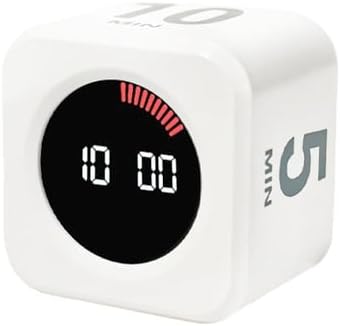
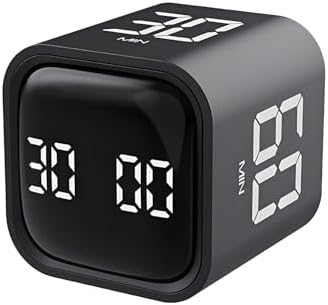
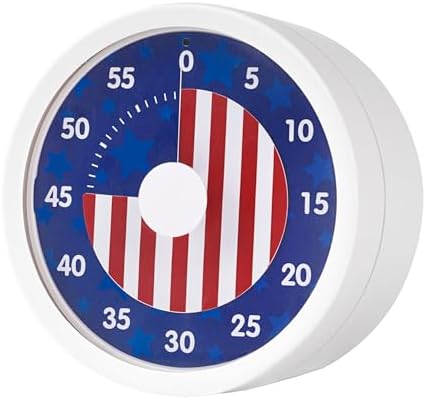
Heads up: these are affiliate links. We only recommend tools we actually use.
“Small, boring passes—capture, sort, act—beat heroic, once-a-semester cleanups.”
What to do when…
- …you feel behind. Run a 10-item Inbox blitz: Keep / Do / Delete. Then ship one 2-minute task.
- …the system feels heavy. Hide sections you’re not using. You only need Inbox + Today to start.
- …you keep collecting, not creating. Set “One Output Friday”: publish a note, send a summary, or check off a deliverable.
- …your notes are messy. Ask AI for a 5-bullet summary and a “next action.” Keep the summary; discard the rest.
- …you dread opening the app. Start in “Today,” not “All Tasks.” See less; do more.
- …you miss deadlines. Use one filter that shows only due/overdue this week. Review it every morning.
Two small habits / Kind reminders
- Daily Inbox to Zero (5 min). After dinner, empty it. Future-you will thank you.
- One Next Action per Project. If you can’t see the next step, it won’t move.
- Light lift beats perfect. Momentum is a mood; keep it small and repeatable.
- Trust then tweak. Only add features that fix a real pain you’ve felt for a week.
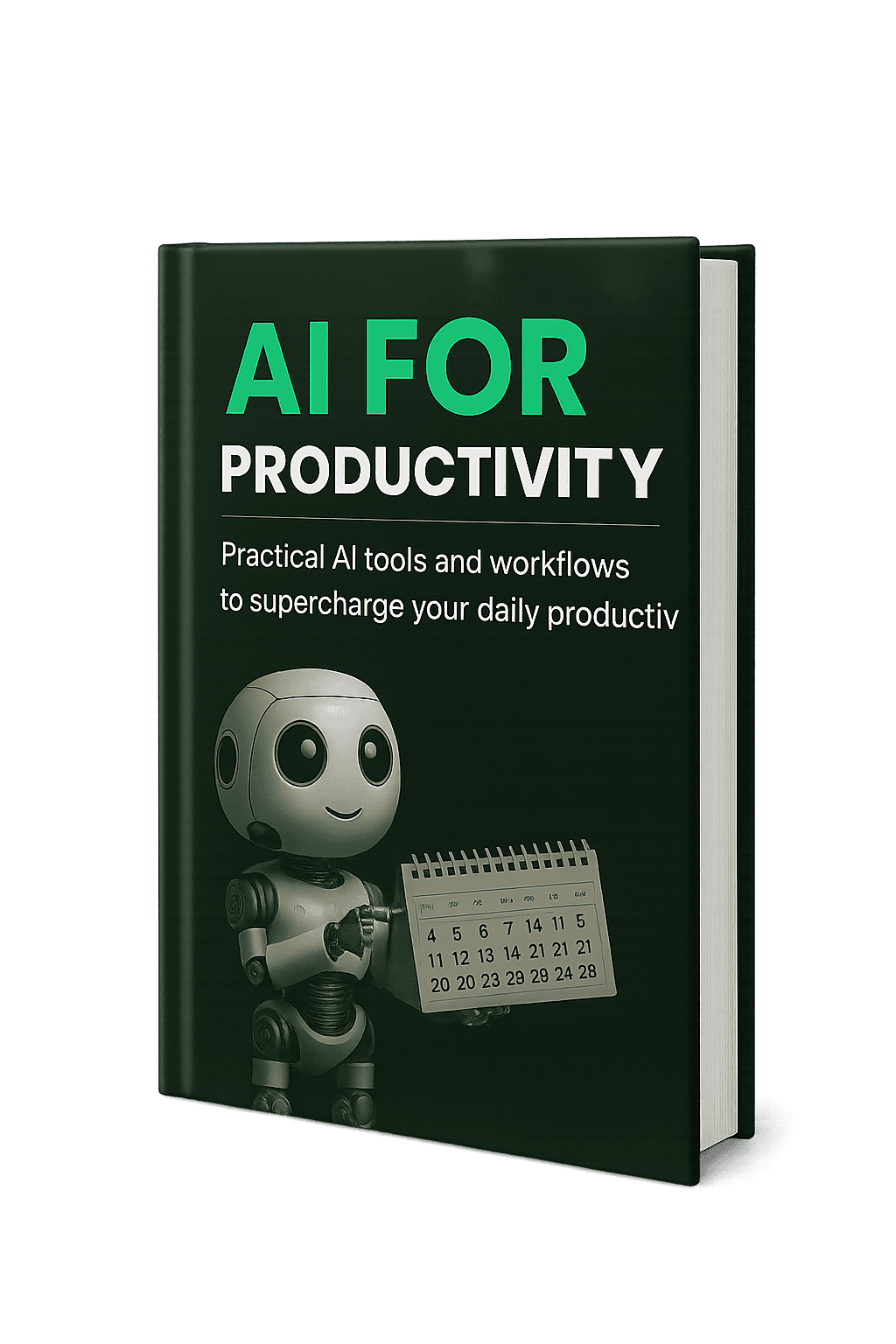
Free resource: AI for Productivity (eBook)
Want a calm, practical walkthrough of AI workflows that cut busywork? Grab my free guide—perfect alongside your new Notion setup.
Related Reading
- Build a Productivity System: 5 Steps to Get Organized — pairs well with weekly sweep.
- GTD Method: A Beginner’s 5-Step Guide to Productivity — pairs well with capture & clarify.
- My 4 Favorite Apps for a More Organized & Intentional Life — pairs well with Notion setup.
This article may include affiliate links. We only recommend tools we actually use.


