
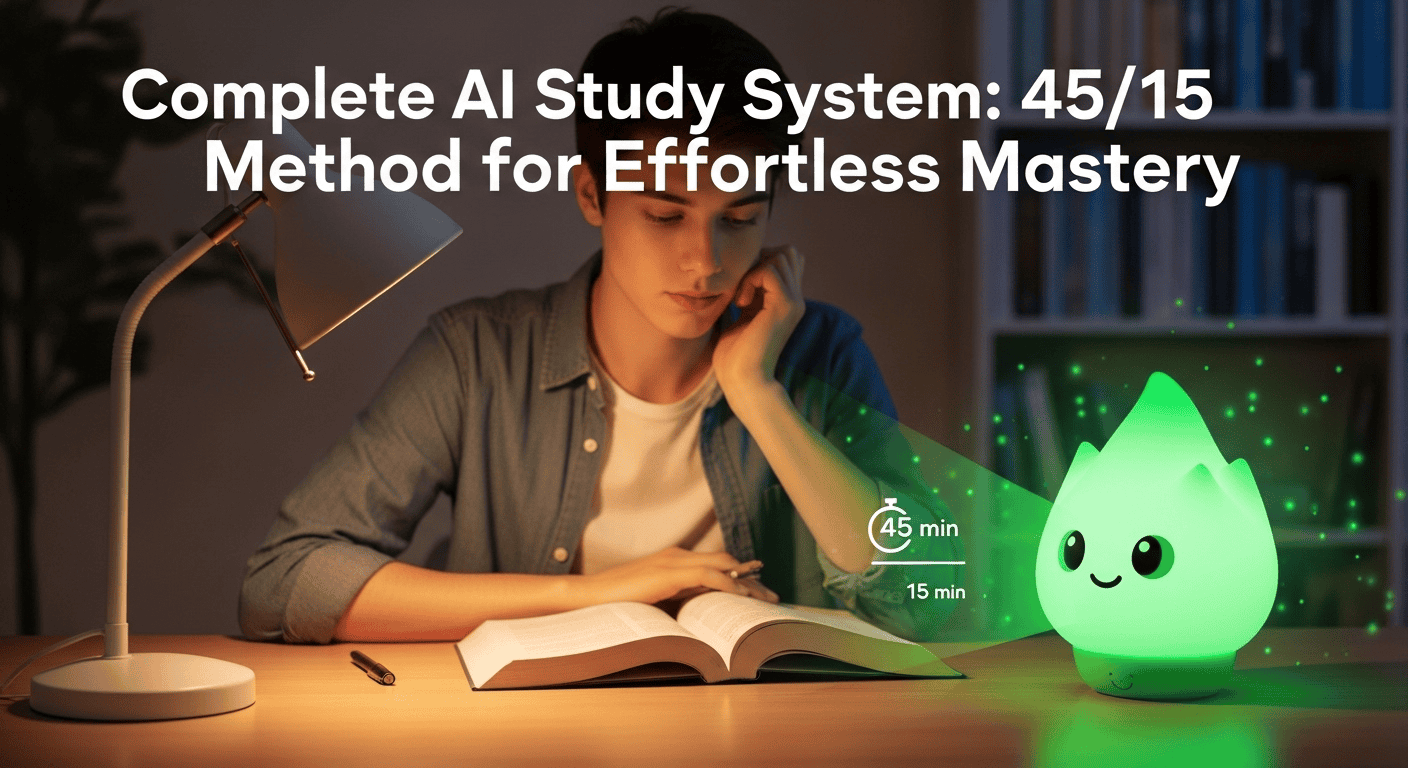
You’ve been there. You just survived a marathon lecture, your notebook is crammed with scribbled insights, and your laptop is home to a document sprawling with bullet points.
You feel productive in the moment, but a few days later, you stare at the pages, and a quiet sense of dread creeps in. What am I supposed to do with all this?
Those notes, which felt so important, now look like a dense wall of text. The idea of re-reading them feels exhausting, and you’re not even sure it helps.
But what if you could turn that mountain of messy notes into a smart, interactive quiz with a single click? And what if you could master that material using a simple, brain-friendly rhythm that keeps you focused without burning you out?
Welcome to Study Stack 2.0. It’s not about finding more time to study; it’s about making your study time count. In this guide, we’re going to walk through a simple system that combines the power of AI with the proven science of focused work. Let’s turn that study-session dread into genuine confidence.
Free resource: AI for Productivity (eBook)
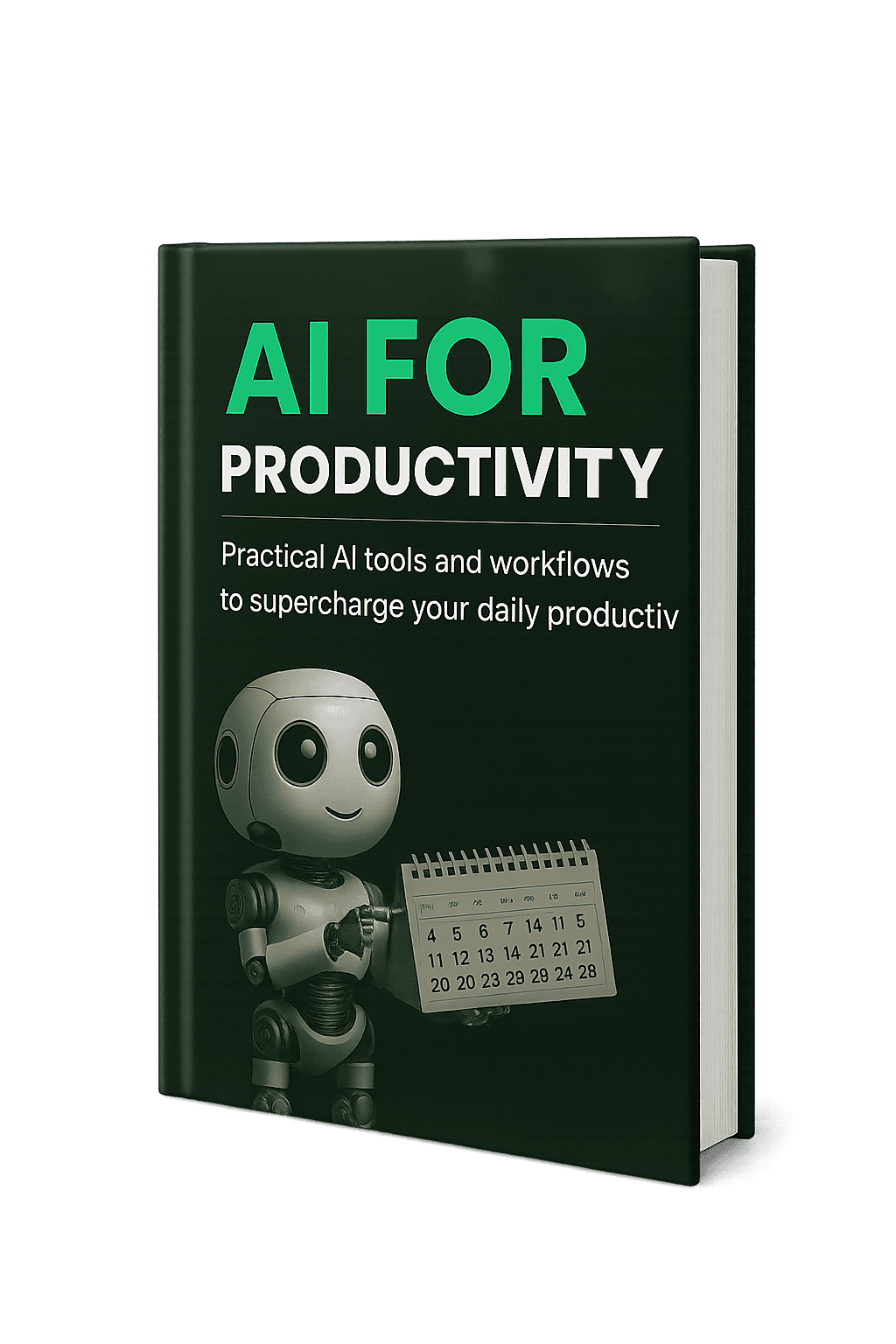
What’s inside the eBook
- 15 AI prompts for students
- 5 productivity frameworks that actually stick
- Bonus study templates you can copy
- 45/15 focus cycle, explained in 2 pages
- Step-by-step prompt recipes for flashcards and summaries
- Common pitfalls and quick fixes
Exclusive content not covered in this blog post:
- Printable weekly review template pack
- STEM vs. humanities prompt tuning tips
- Case-study walkthrough: turning a chapter into a 20-card deck
Tip: run a 3-way split test on these variants to see which converts best.
The Old Way vs. The New Way: A Quick Comparison
To see why this system is so effective, let’s compare it to traditional study methods.
| Metric | Traditional Studying | Study Stack 2.0 |
|---|---|---|
| Material Prep Time | 1-2 hours of manually writing flashcards | ~5 minutes using an AI prompt |
| Study Method | Passive (re-reading notes) | Active (quizzing with flashcards) |
| Information Retention | Low to Moderate | High |
| Energy Level | Drains focus, leads to burnout | Maintains focus, feels energized |
| Confidence Level | Unsure of what you actually know | Clear on strengths and weaknesses |
Export to Sheets
The Passive Note Problem: Why Re-Reading Isn’t Enough
First, let’s be kind to ourselves. Taking detailed notes is hard work, but the way most of us use them is fundamentally broken. We spend hours passively re-reading, hoping the information will magically seep into our brains.
The problem is that our brains are not sponges; they’re muscles. Learning happens when we actively work to retrieve information, not when we just look at it.
From Observation to Action
When your study strategy involves staring at a page, your brain burns energy just trying to remember where things are, rather than actually thinking and making connections. It’s the difference between watching someone lift weights and actually lifting them yourself. One builds strength; the other is just observation.
I remember my first year of university, staring at a massive binder of notes for a history final. I had re-read every page three times, yet in the exam, my mind was a blank. I had seen the information, but I hadn’t learned it. That’s the passive note problem, and it’s time for a system upgrade.
Building Your Study Stack 2.0: The Three Core Tools
This system is built on three simple, powerful components. You don’t need a dozen apps or a complicated setup. You just need your notes, an AI chatbot, and a timer.
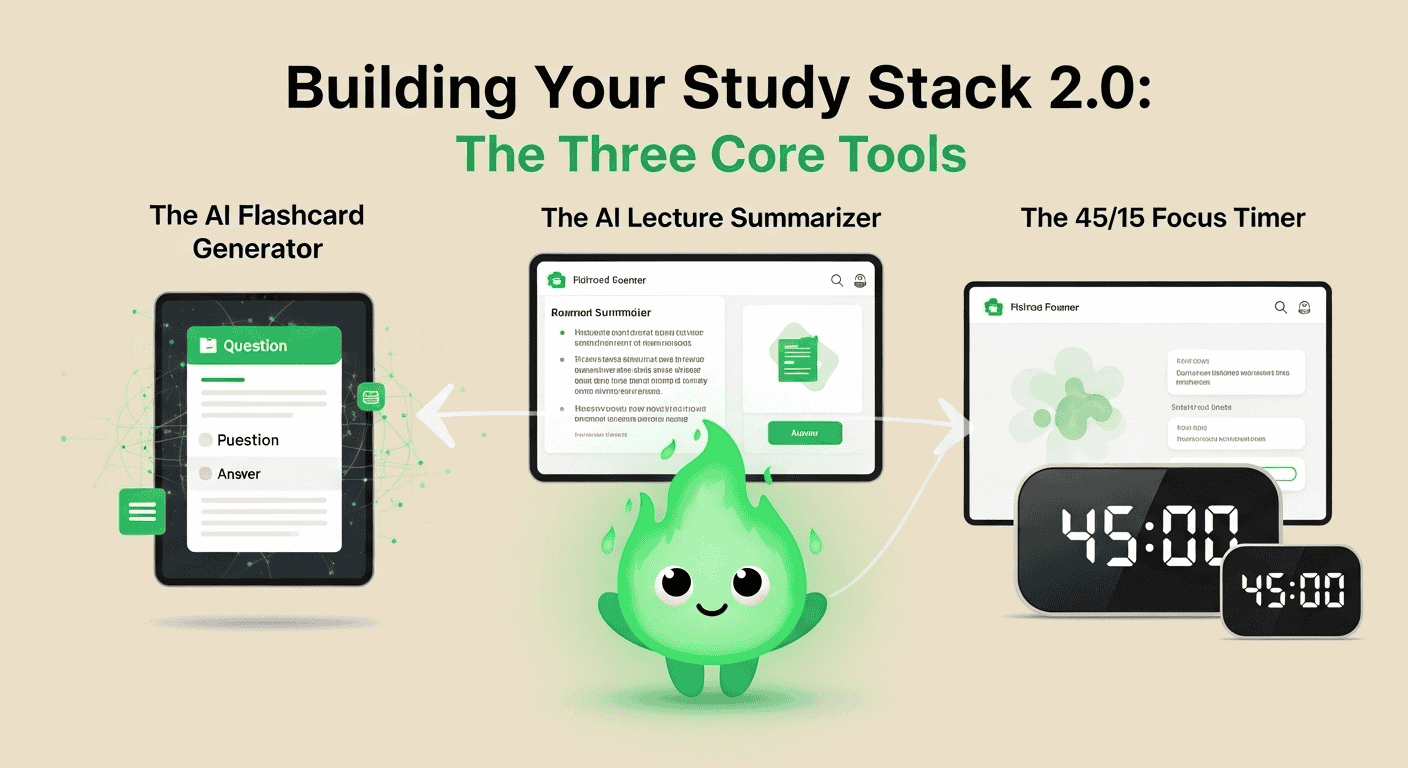
1. The AI Flashcard Generator
This is where the magic starts. Instead of manually creating dozens of flashcards, you can have AI do it for you in seconds.
How to do it:
Open your preferred AI tool.
Copy your lecture notes or the text from a chapter you need to study.
Use a simple, clear prompt.
Prompt to Try: “Act as my friendly study partner. Turn these notes into 20 flashcards with a clear question and a concise answer.”
2. The AI Lecture Summarizer
AI is brilliant at distilling thousands of words into the essential takeaways.
How to do it:
Use a prompt that asks for the main ideas. This gives you a “cheat sheet” to review before a class or as a warm-up for your study cycle.
Prompt to Try: “Summarize these notes into 5 key bullet points, focusing on the main arguments and definitions.”
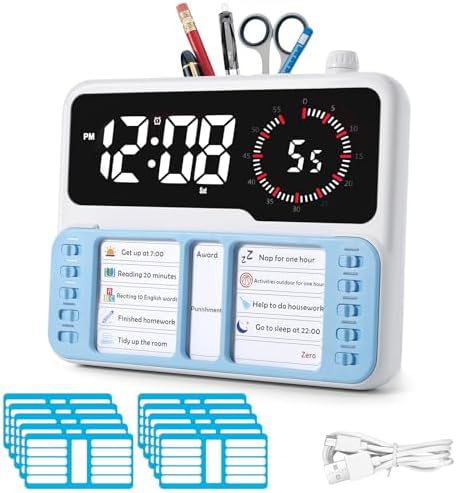
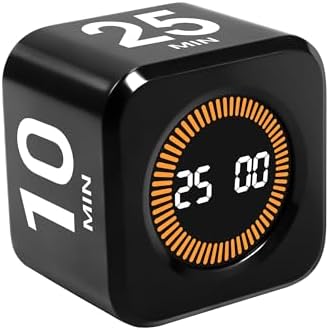
3. The 45/15 Focus Timer
The final piece of the stack is managing your energy and attention. The 45/15 cycle is a powerful variation of the Pomodoro Technique.
My Go-To AI Tools for This System
While you can use any modern AI chatbot, I have a few personal favorites:
For Big Summaries: Claude. I lean on Claude when I’m dropping in a huge chunk of text. I find its ability to produce natural-sounding summaries is excellent.
For Quick Q&A: ChatGPT. For turning notes into straightforward flashcards, I find ChatGPT is incredibly fast and reliable.
For Flexible Formatting: Gemini. If I want to experiment with different formats, I often turn to Gemini. It’s very good at restructuring text into a table, a timeline, or a list of key terms.
Putting It All Together: The 45/15 AI Study Cycle
Here is a simple, step-by-step routine you can try today.
Step 1: The AI Prep (5 Minutes)
Grab your notes.
Paste them into your AI tool to generate flashcards and a summary.
Set a timer for 45 minutes, but don’t start it yet.
Step 2: The Focus Session (45 Minutes)
Start your timer.
Go through your AI-generated flashcards, saying the answers out loud before revealing them.
Mark any you get wrong to review later.
Step 3: The Mandatory Break (15 Minutes)
When the timer goes off, stop. Immediately.
Step away from your desk. Do not check your phone.
Step 4: Review and Repeat
After your break, read the AI summary to reinforce the big picture.
Then, start your next 45-minute cycle.

Heads up: these are affiliate links. We only recommend tools we actually use.
A Real-World Test: Passing a Certification Exam
Last year, I was studying for a notoriously difficult IT certification. The textbook was over 800 pages long, and my initial practice test scores were hovering in the low 70s. I felt stuck.
So, I committed fully to the Study Stack 2.0. After each chapter, I would feed my notes into Claude to generate flashcards and a summary. I then used the 45/15 cycles to drill those flashcards.
The result? After just two weeks, my practice scores jumped into the low 90s. I wasn’t just memorizing; I was understanding. I passed the exam with a score I was proud of. I’ve since used this exact method for everything from learning complex marketing analytics to studying the basics of a new language.
Want the prompts and templates in one place? Grab the free AI for Productivity eBook.
Troubleshooting Your AI Prompts
It’s a simple system, but you’ll get better results by refining your prompts. Here’s how to solve common issues.
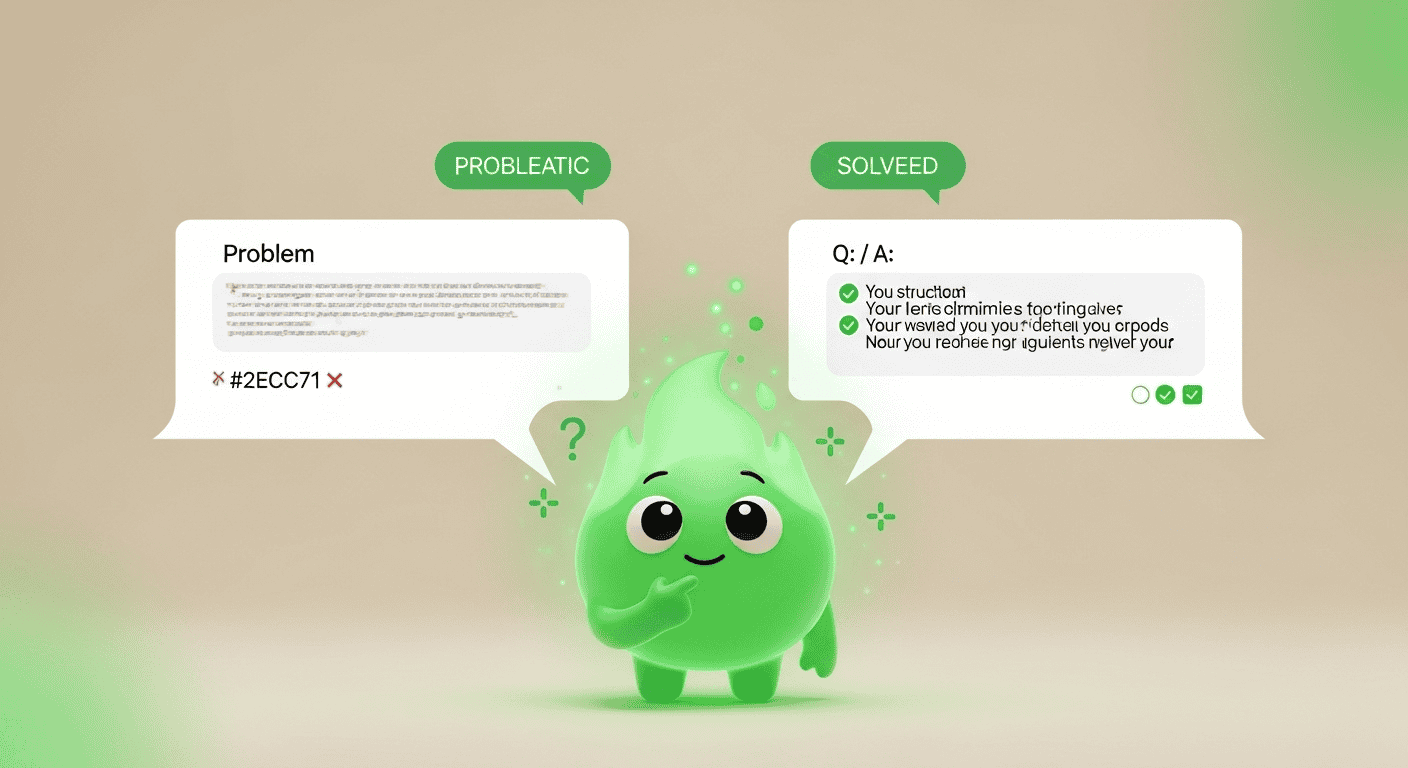
Problem: The AI output is too generic.
This happens with vague prompts. The fix is to add context, a persona, and constraints.
Vague Prompt: “Make flashcards from my history notes.”
Better Prompt: “Act as a history professor creating a study guide. Turn my notes on the American Revolution into 15 flashcards. Focus on key dates, figures, and the causes of the war. Answers should be no more than two sentences.”
Problem: The formatting is weird.
If the AI isn’t giving you the Question: / Answer: format you want, tell it explicitly. You can even give it an example to follow. Different AIs handle this differently:
Gemini is great with structured requests. You can often just ask it to “format the output as a two-column table with questions on the left and answers on the right.”
ChatGPT is very literal. Being direct works best: “For each flashcard, use the format ‘Front:’ for the question and ‘Back:’ for the answer.”
Claude is good at adopting a persona. If your output feels robotic, ask it to rewrite the flashcards “in a conversational and encouraging tone, like a helpful tutor.”
Problem: The AI is making things up!
This is called “hallucination,” and it’s a known issue with AI models. The most important rule is to use AI to process your notes, not to teach you a new subject from scratch. Your notes are the source of truth. The AI is just a tool for formatting them. You are always the final fact-checker.
Next Steps: Level Up Your Study Stack
Once you’re comfortable with the basic system, you can use AI to do even more.
Generate Practice Quizzes. Ask the AI to move beyond flashcards.
Prompt: “Using my notes, create a 10-question multiple-choice quiz on this topic. For each question, include one tricky ‘distractor’ answer to test my knowledge.”
Create a Spaced Repetition Schedule. Plan your review sessions for maximum retention.
Prompt: “I have an exam on Friday. Based on these 50 flashcards, create a 5-day spaced repetition schedule that tells me which cards to review each day.”
Use the Feynman Technique. Ask the AI to simplify everything. If you can understand the simple version, you’re on the right track.
Prompt: “Explain the core concept of ‘osmosis’ from my notes as if you were explaining it to a 10-year-old.”
Why This System Works (The Friendly Science)
This framework is based on proven cognitive science:
Active Recall: Using AI flashcards forces you to retrieve information from memory, which is far more powerful than passively re-reading.
Reduced Cognitive Load: Letting AI handle the organizing frees up your mental energy for what truly matters: understanding and remembering.
Time Blocking: The 45/15 timer structures your time, preventing mental fatigue and the urge to task-switch.
Structured Breaks: Intentional rest allows your brain to consolidate memories and restore focus, helping you avoid burnout.
So, the next time you look at a page full of notes, don’t see it as a burden. See it as raw material for a smarter, less stressful, and far more effective way to learn.
If you want all these prompts in a handy reference guide, download the free AI for Productivity eBook.
Now, I’d love to hear from you. What’s your biggest struggle when it comes to studying from your notes? Have you tried using AI to help yet? Share your thoughts in the comments below!
Related Reading
- College Stress by Month: A Friendly Survival Calendar — pairs well with focus routines.
This article may include affiliate links. We only recommend tools we actually use.


