

Studying while juggling messages, tabs, and to-dos can feel productive, yet it quietly drains the brain power you need for real learning. The gentler, smarter alternative is to do one task at a time, on purpose. When you single-task, you read faster, make fewer mistakes, and remember more because your attention is not split into tiny pieces. You also feel calmer, which makes it easier to show up again tomorrow.
Why multitasking backfires
Most “multitasking” is really task-switching—rapid hops between activities. Each hop forces your brain to reload context. That reload steals seconds, adds tiny errors, and leaves behind attention residue from the last thing you touched. After a dozen switches, your working memory is juggling fragments instead of ideas. You do not notice it moment to moment; you notice it when an hour passes and the chapter is still unfinished. The fix is not more willpower. The fix is designing your study time so switches are rare and easy to recover from.
A gentle single-tasking setup
- Pick one concrete task. Choose an outcome you can finish in one sitting: “Summarize Section 3,” “Solve problems 1–8,” or “Explain osmosis in my own words.” Vague goals invite tab surfing.
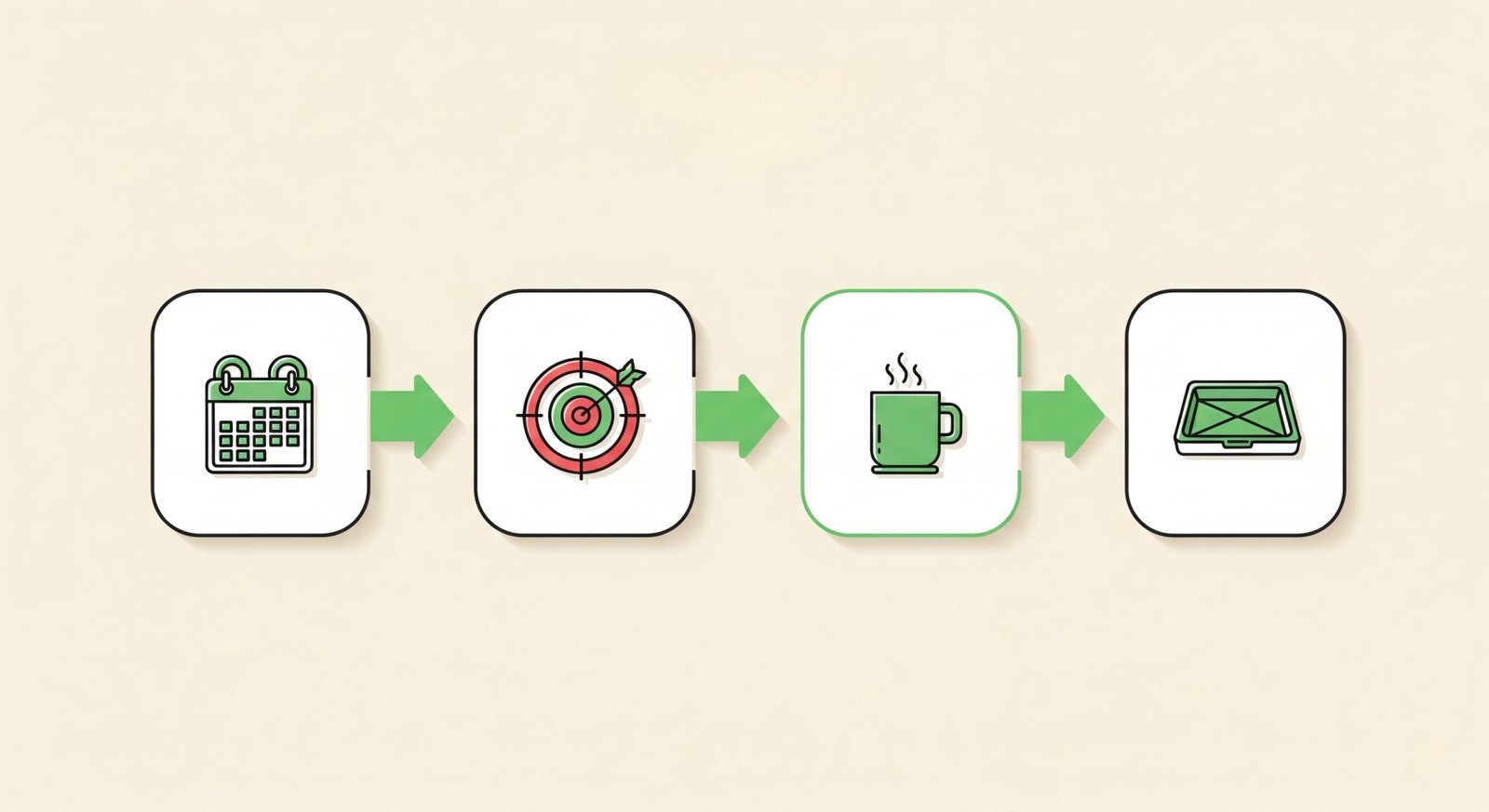
- Make a 45–90 minute focus block. Put it on your calendar like a class. Shut the door if you can. Silence notifications. Place your phone in another room, or at least face down across the room.
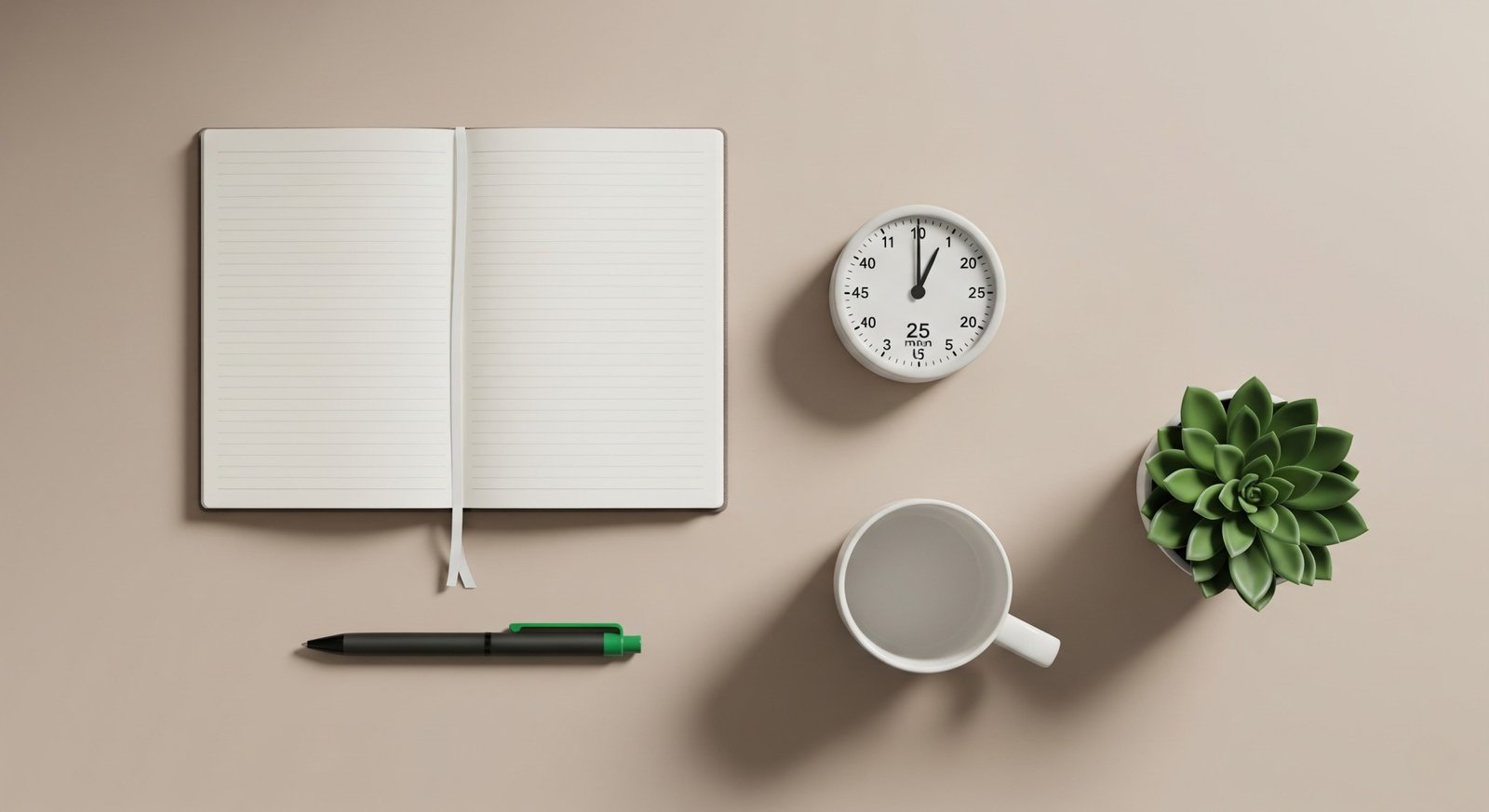
- Lay out only what you need. Keep the book, notes, calculator, and a single pen. Reduce visual noise so your brain knows which target to lock onto.
- Use short cycles. Try 25/5 or 45/10. Work during the focus interval, then take a short, guilt-free break. Repeat the pattern two or three times inside the block.
- Quick-capture strays. When a thought pops up—“email professor,” “buy graph paper”—jot it in one trusted list. Promise your brain you will handle it after the block, then return to the page.
Make remembering easier
Learning improves when you give your brain the right kind of friction. Two tiny habits deliver outsized results:
- Active recall. Close the page and explain the idea without looking. Use a scrap sheet or talk out loud. Then reopen the book and check what you missed. That effort signal tells your brain, “keep this.”
- Spaced review. Revisit tough items after increasing gaps—later today, two days from now, then next week. Short, repeated exposures beat long, last-minute marathons because you rebuild the memory trace each time.
Breaks that reduce burnout
Short breaks protect energy and help consolidate what you just learned. Keep them simple: stand up, stretch, sip water, look out a window. Avoid doom-scrolling; it is a trapdoor back into switching mode. If you do glance at your phone, set a one-minute timer so the break cannot quietly swell into twenty.
Common mistakes to avoid
- Vague tasks. “Study chemistry” is not a task. “Teach the osmosis diagram in three sentences” is.
- Breaks that become detours. If a break involves your phone, use a timer. Closing the loop matters more than another reel.
- Too-long sessions. Two 45/10 cycles usually beat a single two-hour slog. Fatigue hides as “just one more page.”
- Rereading without retrieval. Looking again feels familiar and safe, but recall is what strengthens memory. End every block with a short self-quiz.
- Multitasking in disguise. Music with lyrics, open chats, and constantly updated dashboards count as switches. Keep the environment quiet and predictable.
A simple 7-day focus plan
Steady practice beats heroic cramming. Use this one-week template to get traction fast:
- Day 1: Schedule a 45-minute block for your toughest class. Do one 25/5 cycle to warm up, then one 45/10 if energy allows. End with two minutes of active recall.
- Day 2: Two 25/5 cycles on the hardest chapter. Add three review flashcards for tomorrow.
- Day 3: One 45/10 on new material, then a 10-minute spaced review of Day 1 notes. Capture any errands or messages for later.
- Day 4: Practice problems only. Show your work. After the block, list three mistakes to revisit on Day 6.
- Day 5: Two 25/5 cycles + a five-sentence summary in your own words. File it where you will find it next week.
- Day 6: Mixed review: 15 minutes per topic across three topics. Aim for breadth, not depth.
- Day 7: Light recap + plan next week’s blocks. Protect the habit, not perfection.
Gentle troubleshooting
“I keep drifting.” That is normal. When you notice it, label it (“wandering”), look away for ten seconds, take a slow breath, and restart the sentence you were on. One reset beats a shame spiral.
“Music or silence?” Instrumental or familiar music can be fine for routine work. For dense reading or problem-solving, silence usually wins. If you want sound, try low-tempo instrumental or white noise at a low volume.
“How many blocks per day?” Two to four high-quality blocks usually beat marathons. Focus is a budget; spend your best attention on the hardest work first.
“What if I fall behind?” Shorten the block to 25 minutes and complete one outcome. Finishing a small thing restores momentum and makes the next session easier to start.
Environment checklist
- Chair, light, and temperature comfortable.
- Only the materials for this task on the desk.
- Notifications off; phone out of reach.
- Timer visible; water within reach.
- Capture pad or app open for stray thoughts.
Exam-week tweaks
As exams approach, shrink decisions. Pre-decide tomorrow’s blocks the night before, lay out materials, and write the first action on a sticky note (“Open Chapter 6, solve 1–4”). Keep blocks a little shorter than you think you need so you end with fuel in the tank. The goal is reliable rhythm, not heroic grind.
Toolbox: pick a light task manager you’ll actually use
You do not need a fancy system to single-task, but a simple app can hold your capture list and recurring blocks so your brain does not have to. Use whatever fits your style:
- Todoist — fast quick-capture, great recurring tasks, and powerful filters when you want them later. If you want to compare plans or start an account, here’s the official page: Todoist pricing & plans. A quick setup many students like: create a project “Exam Prep,” add sections (“Read,” “Practice,” “Review”), add a recurring task “Start focus block (45m),” and make a filter like
today & #Exam Prepto show today’s study tasks only. - TickTick — similar to Todoist but includes a built-in Pomodoro timer and habit tracking. Nice if you want one app for tasks + focus timer.
- Microsoft To Do — free, clean, and integrates well with Windows and Outlook. Great for basic lists without extra features.
- Google Tasks — minimal and lives inside Gmail/Calendar. Good for keeping things ultra-simple.
- Notion — very flexible databases and templates. Best if you already live in Notion and do not mind a little more setup.
No pressure to pick a specific tool. The goal is the same: capture distractions quickly, schedule short focus blocks, and review what matters. If the app helps you do that with less friction, it is the right one.
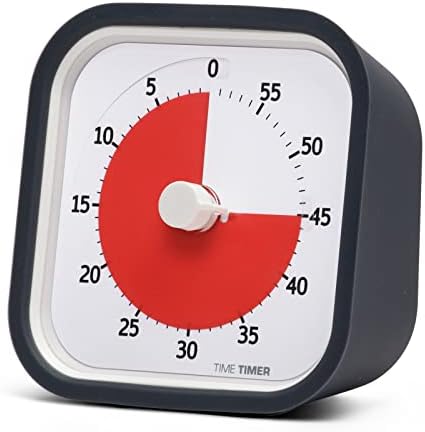
Some readers ask about the tools I keep on my desk. This list is optional—use what helps and skip the rest.





Related Reading
- Study Smarter: 10 Evidence-Based Principles for Focus & Comprehension — practical methods that pair perfectly with single-tasking.
- Busy vs Productive (3-Step Fix) — protect focus time from fake urgency.
- Build a Productivity System (5 Steps) — structure your week so focus blocks actually happen.
This article may include affiliate links. We only recommend tools we actually use.


